From the texture manager, you will load all the textures that will be used in your project. On the left side of the view you have your texture list along with buttons to add and remove textures.
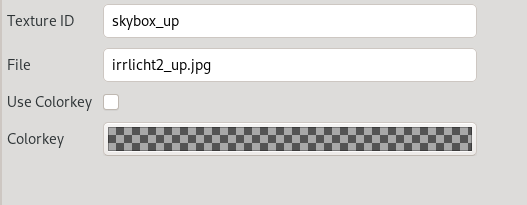
You have these properties you can edit.
Texture ID - Must be a valid RCBasic variable name. It is the name your texture can be looked up by.
File - This field will show the file name associated with this ID.
Use Colorkey - This is a flag to tell the editor to use the provided color key.
Colorkey - This is the color key value used.