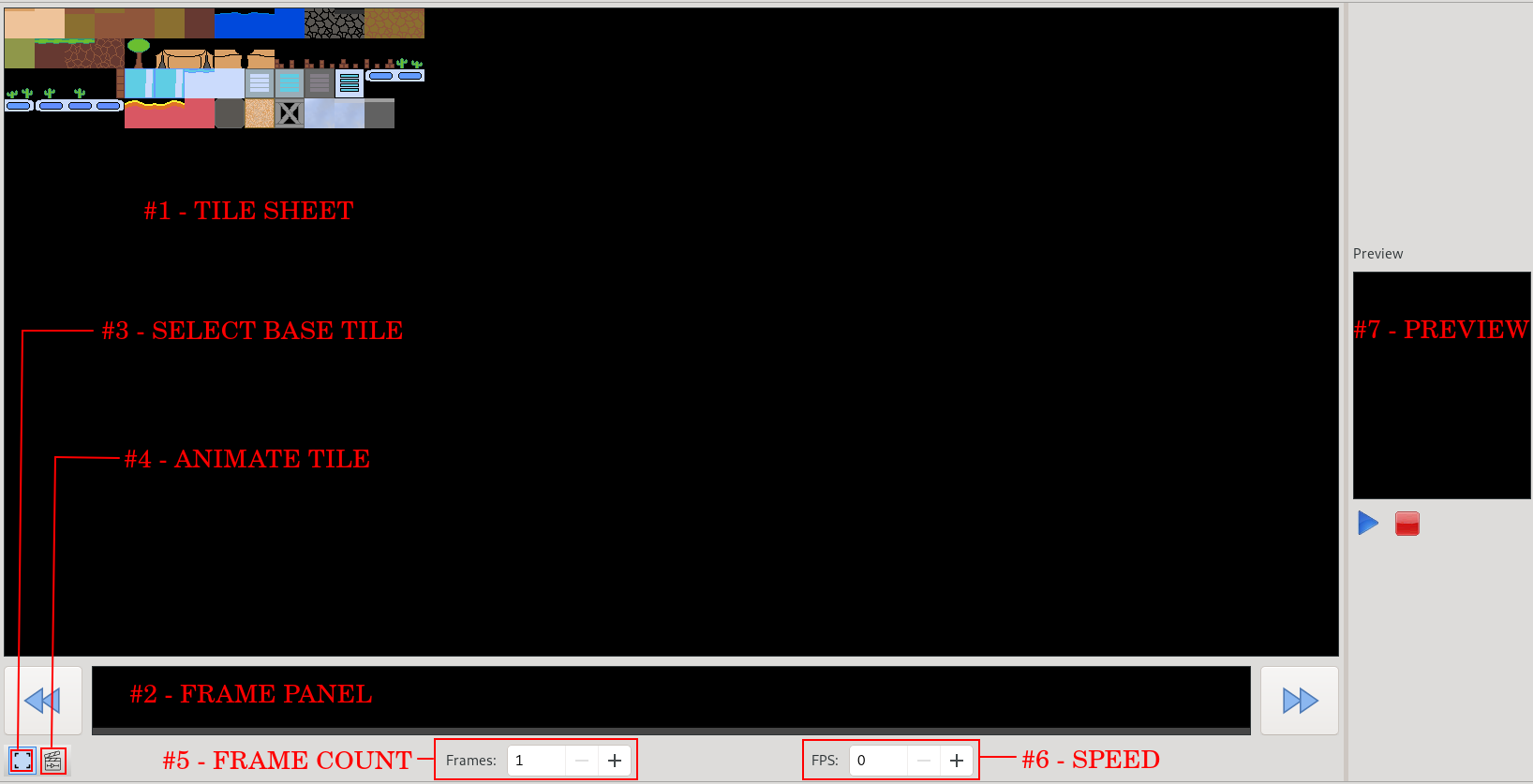
The Tile editor allows you to edit tile sets used to create tile maps in the stage editor. A tile set can have animations and tile mask which are ways of flaging tiles.
At the far left of the screen there are 2 buttons:
At the top of the Tile Editor is a text field labeled "Tileset ID" where you can change the name of the Tileset. To the right of the Tileset ID field, the dimensions of the tile selected.
#1 - Tile Sheet - View and select tiles
#2 - Frame Panel - Select the animation frame to set
#3 - Select Base Tile - Switches to Base Tile Select Mode
#4 - Animate Tile - Switches to Animate Mode
#5 - Frame Count - Sets the number of frames in the base tile animation
#6 - Speed - Sets the frames per second the base tile animation plays at
#7 - Preview - Play the sprite animation
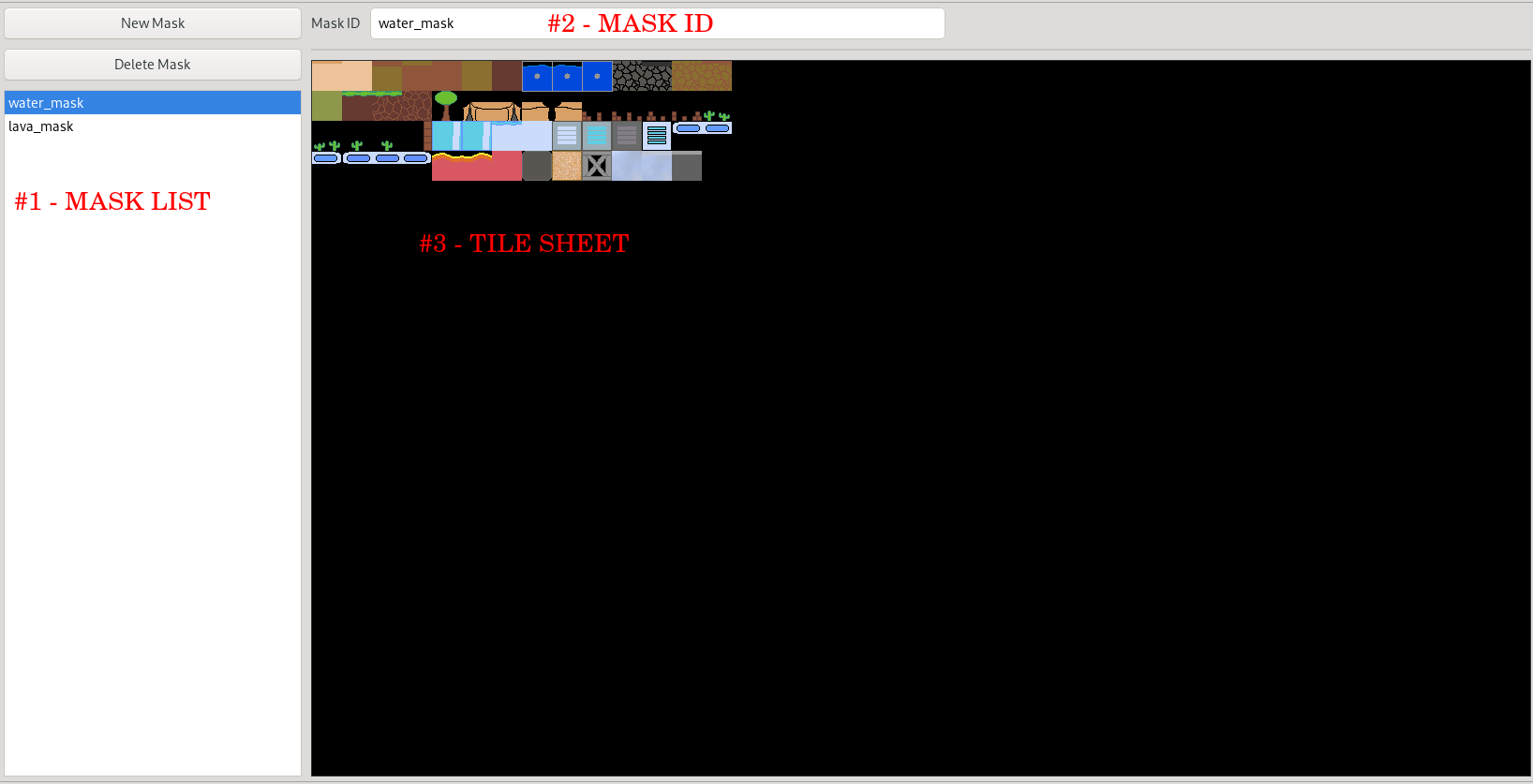
#1 - Mask List - Select a mask to edit
#2 - Mask ID - Change the mask ID from this field
#3 - Tile Sheet - View and select tiles