Serenity3D Scene Editor
The scene editor performs the following functions
-
Create Stages
-
Create Actors and Place them in a stage
-
Set Actor Properties
The scene view is where most of the work is done.
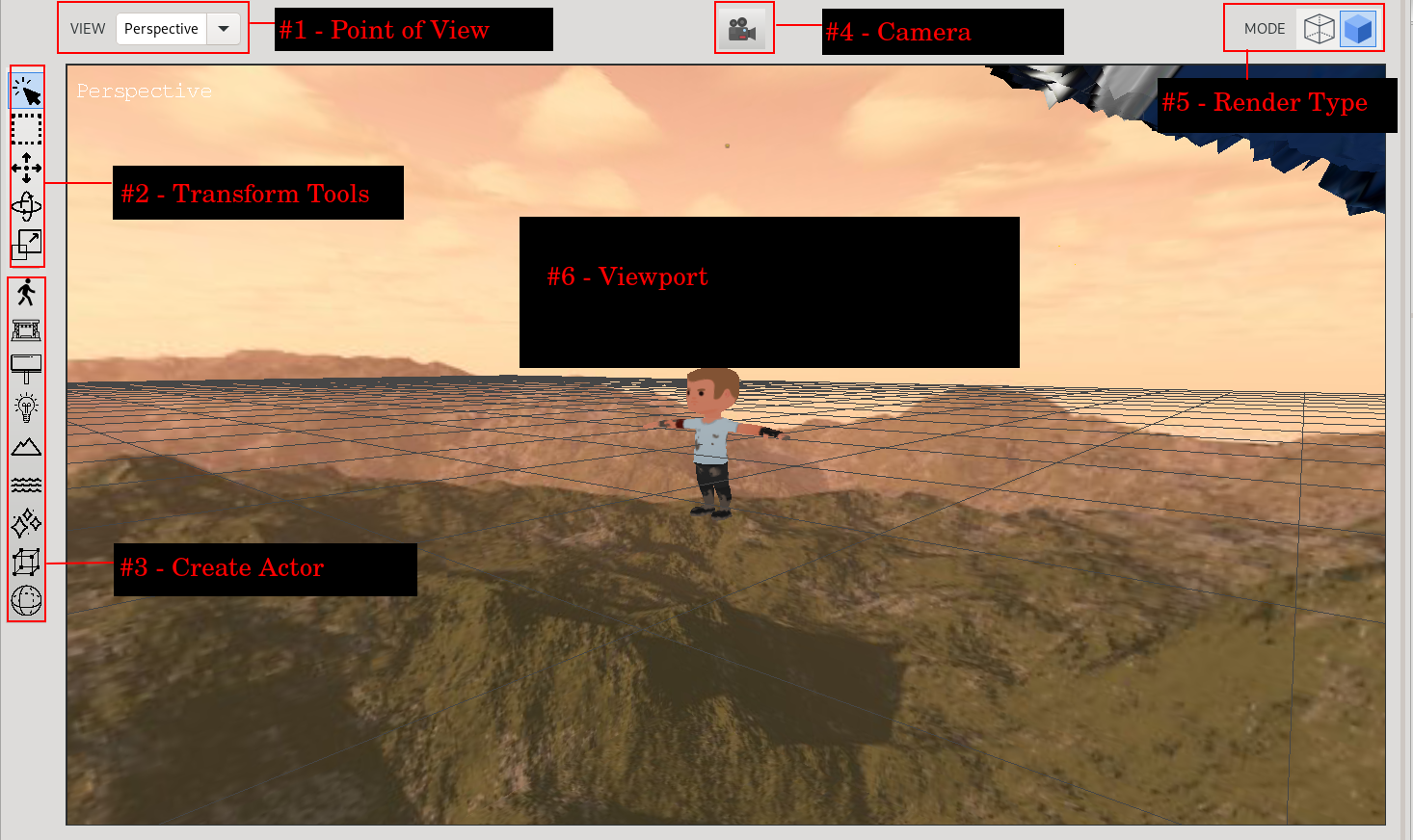
These are the main controls for navigating through the scene:
-
Hold the middle mouse button in the viewport to go into navigate mode
-
While the middle mouse is down, you can around with W/A/S/D and move vertically with R/F
-
Moving the mouse will rotate the camera